

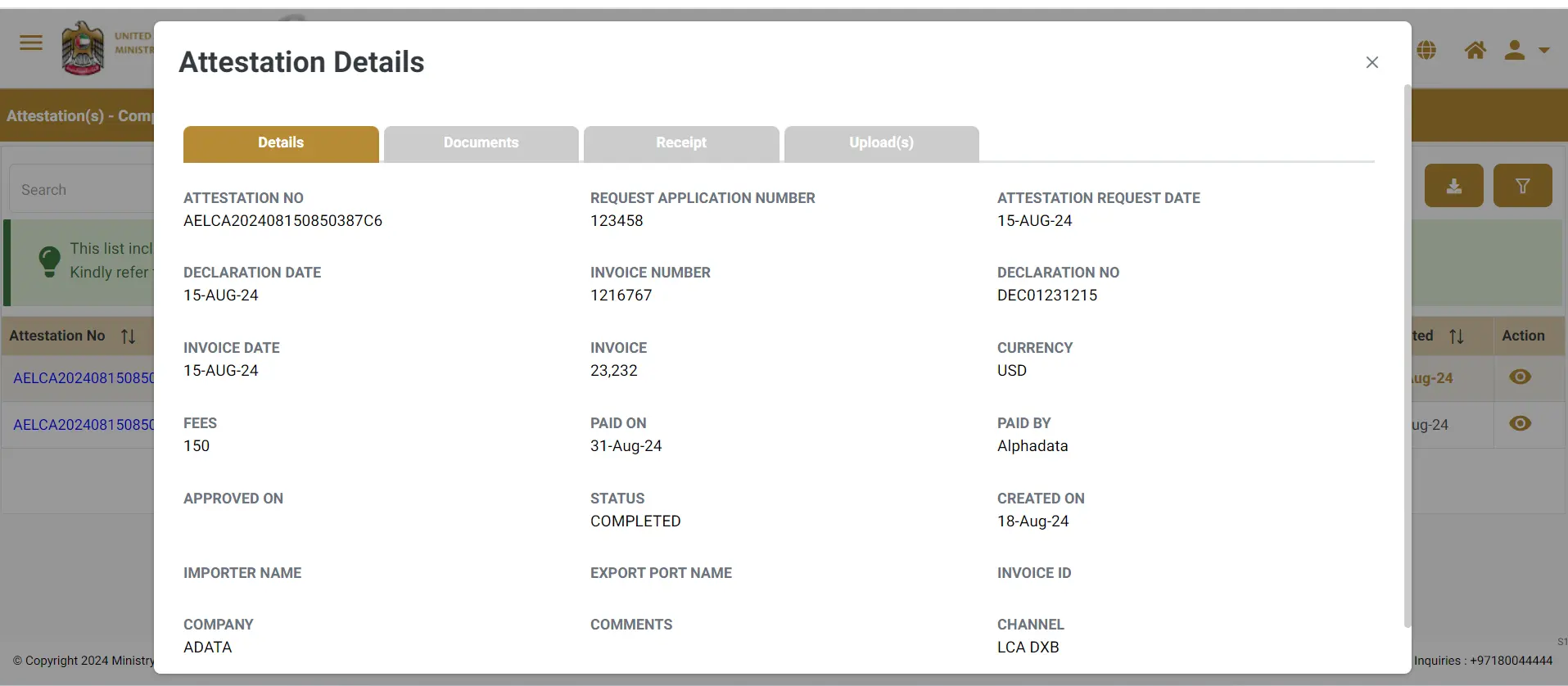
Completed Attestation:
This feature is part of our ongoing commitment to making EDAS 2.0 as user-friendly and efficient as possible. If you need any help or have questions about this new feature, our support team is here to assist you.Once your payment is success in edas 2.0; your attestation process will be processed.
Key Notes:
- Now, you can easily monitor all your completed attestations from a single, centralized dashboard.
- No more switching between different sections or documents—view and manage all your attested documents in one place.
- User can track all his completed.
How It Works:
- Log in to EDAS 2.0 and navigate to the new “Completed Attestations” section.
- Here, you’ll find a comprehensive list of all your completed attestations, organized for quick reference.
- Click on any entry to view detailed information about each attestation, including dates, document types, and associated actions.